
3D Preview
The 3D viewport renders your bins in real-time as you design, powered by Three.js and Manifold WASM CSG engine.
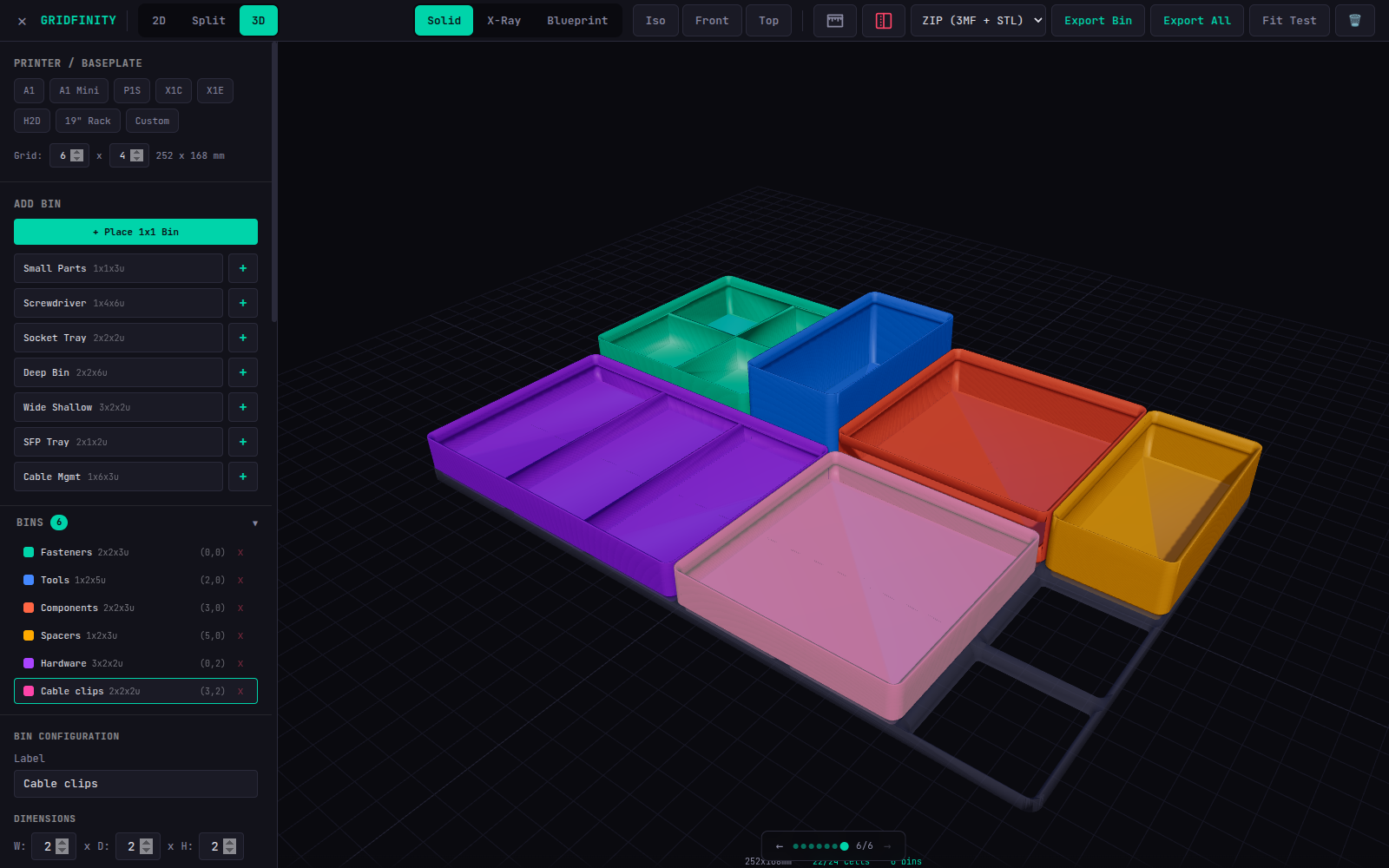
Render Modes
Switch between render modes using the toolbar buttons.
Solid Mode
The default mode. PBR plastic material with:
MeshPhysicalMaterialwith clearcoat effect- Realistic shadows
- Rim lighting for depth
- Dark background
X-Ray Mode
Transparent view for inspecting bin internals:
- Transparent material (opacity 0.2)
- Cyan edge lines
- Flat lighting
- Great for checking base profiles and stacking geometry
Blueprint Mode
Technical drawing style:
- White/light-gray flat materials
- Dark edge lines (#222)
- Light background (#f0f0f0)
- No shadows
Camera
Presets
- Isometric — 45-degree angle view (default)
- Front — straight-on view
- Top — bird's eye view
All presets animate smoothly to the new position.
Controls
- Left drag — Orbit around the scene
- Right drag — Pan
- Scroll — Zoom
Section View
Toggle the section view to enable a clipping plane that cuts through your bins, revealing internal geometry like wall thickness, base profile, and divider placement.
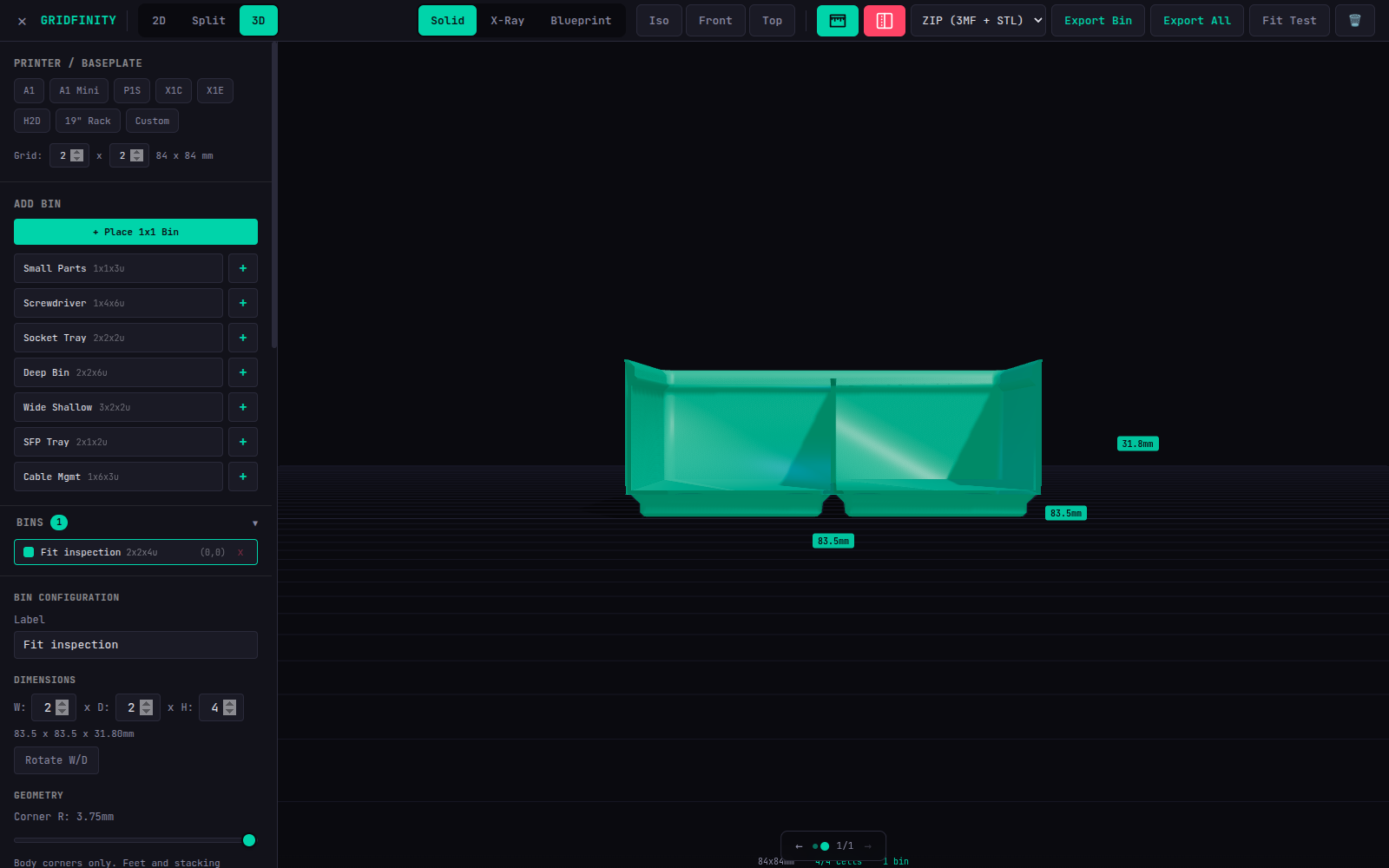
This is a viewport clipping plane, not a change to the CAD model. Section view, colours, and dimension overlays are not exported as printable geometry.
Dimension Labels
Toggle dimension labels to display real-world measurements overlaid on the selected bin in 3D space.
Heights include the printed stacking lip when enabled. The displayed baseplate has real sockets generated in the worker, aligned with the feet's insertion datum; it is no longer a solid placeholder. Normal bin exports contain only the bins. Fit Test also exports a small baseplate for physical checks.